Describe what you want in plain words, let an AI assistant write the code, and you're doing what people call vibe coding, a term Andrej Karpathy popularized in 2025. On its own the assistant can read your files and run commands, and that's about it, so it can't see your open pull requests, last night's production errors, or the breaking change a library shipped last month. MCP fills that gap.
What is MCP, briefly?
Model Context Protocol is an open standard Anthropic introduced in November 2024, and Kiro, Claude Code, Cursor, VS Code and Windsurf all support it now. A server is just a small program that exposes one tool or data source to the assistant: your repository, say, or your browser, or your database. Set it up once and it works in every tool that speaks the standard.
Golden rule: start with three servers, no more. Each one adds tool definitions the model has to read before it answers, so a long list eats context and makes it worse at picking the right tool.
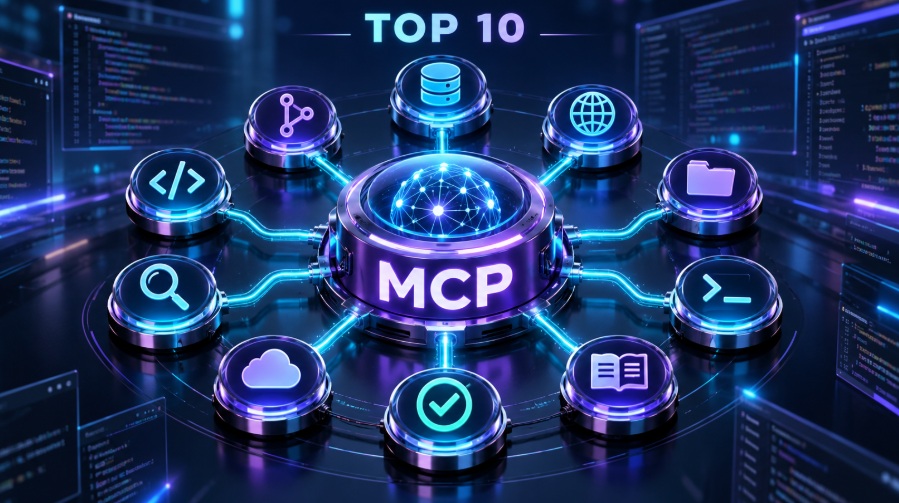
The list: 10 servers that earn their place
We ranked on three things. Who maintains the server (official beats abandoned). How it authenticates (OAuth beats pasting a long-lived key). And whether it has scoping controls, such as a read-only mode.
1. GitHub MCP Server
GitHub's official server. It reads repositories, searches code, manages issues and pull requests and checks GitHub Actions runs, which turns "why did CI fail on this branch?" into something you can just type into chat. Give it a fine-grained token limited to the repositories you actually need.
2. Context7
Fetches documentation for the exact version you're on and drops it straight into your prompt, so the model quits writing code for last year's release. It earns its keep with fast-moving frameworks like Next.js and React, and to trigger it you just add "use context7" to your prompt.
3. Playwright MCP
From Microsoft. It drives a real browser through the accessibility tree (structured text) instead of screenshots, which is faster and steadier, so try asking: "open the local server, try the sign-up flow and tell me what broke." It's also handy for checks you repeat, like a checkout flow.
4. Chrome DevTools MCP
An official Google project. It looks at console messages, network requests, performance traces, Lighthouse results and page memory, and the point is that the agent debugs the running app, rather than declaring victory just because the code compiles.
5. Supabase MCP
Connects to a Supabase project so it can inspect tables, run queries and apply migrations. Supabase's own docs say it's meant for development and testing, and they name prompt injection as the main risk. So switch on read-only mode and scope it to a single project.
claude mcp add --scope project --transport http supabase \
  "https://mcp.supabase.com/mcp?project_ref=YOUR_PROJECT_REF&read_only=true"
6. Figma MCP
The design-to-code one. It hands the agent design context, component mappings and assets, so the interface starts from a real Figma file and not from a paragraph of description.
7. Sentry MCP
Hooks the assistant up to production errors, traces and releases over OAuth. Paste an error link and it reads the stack trace and recent events itself, so you don't have to describe the crash from memory. You can limit it to one organization and project.
8. Cloudflare or Vercel MCP
Pick whichever one you deploy on. Not both. The Cloudflare servers cover Workers, R2, D1 and DNS; the Vercel server inspects deployments along with build and runtime logs. Begin with the docs server, since it needs no access to your account.
9. Stripe MCP
Meant for anyone building payments and subscriptions for the first time, it looks up objects and tests your setup, so you stop copying IDs between tabs. Stay in test mode with a restricted key. One bad prompt against live payments is an expensive lesson.
10. Sequential Thinking
A reference server from the MCP project that gives the model a structured, step-by-step way to reason. It's slower, so skip it for routine code. Switch it on for architecture decisions and tangled bugs, then switch it off again.
Honorable mentions
Serena handles semantic code navigation, Excalidraw does diagrams, Notion and Linear make sense if your specs live there, and AWS if that's your cloud. One to avoid: the old Puppeteer server is deprecated, so use Playwright or Chrome DevTools instead.
Starter stacks
| Stage | Servers |
|---|---|
| Day one | GitHub + Context7 + Playwright |
| Once users show up | Sentry + Supabase (read-only) + Figma |
| When money and deployment enter the picture | Stripe (test mode first) + Cloudflare or Vercel + Sequential Thinking |
How to add one
In Claude Code it's a single command. In Cursor and Kiro you edit a JSON settings file:
{
  "mcpServers": {
    "context7": { "url": "https://mcp.context7.com/mcp" },
    "playwright": { "command": "npx", "args": ["-y", "@playwright/mcp@latest"] }
  }
}
Safety rules you should not skip
- Prompt injection: any text a server hands back, like a GitHub issue comment or a database row, can carry instructions meant to steer your assistant, so treat it as untrusted input and keep a human approval on every write.
- Least privilege: scope to one project, use read-only modes anywhere near real data, and prefer OAuth over long-lived tokens.
- Trusted sources only: a server runs with whatever access you give it, so install official ones, or ones you can audit.
- No secrets in Git: files like
.mcp.jsoncan end up in your repository, so keep tokens out of them. - Rehearse on a non-production project first, and read what a server is about to run before you hit approve.
If you'd like to see ready-made Arabic AI agent tools, the agents section of DigitalDalil is a good place to start.