
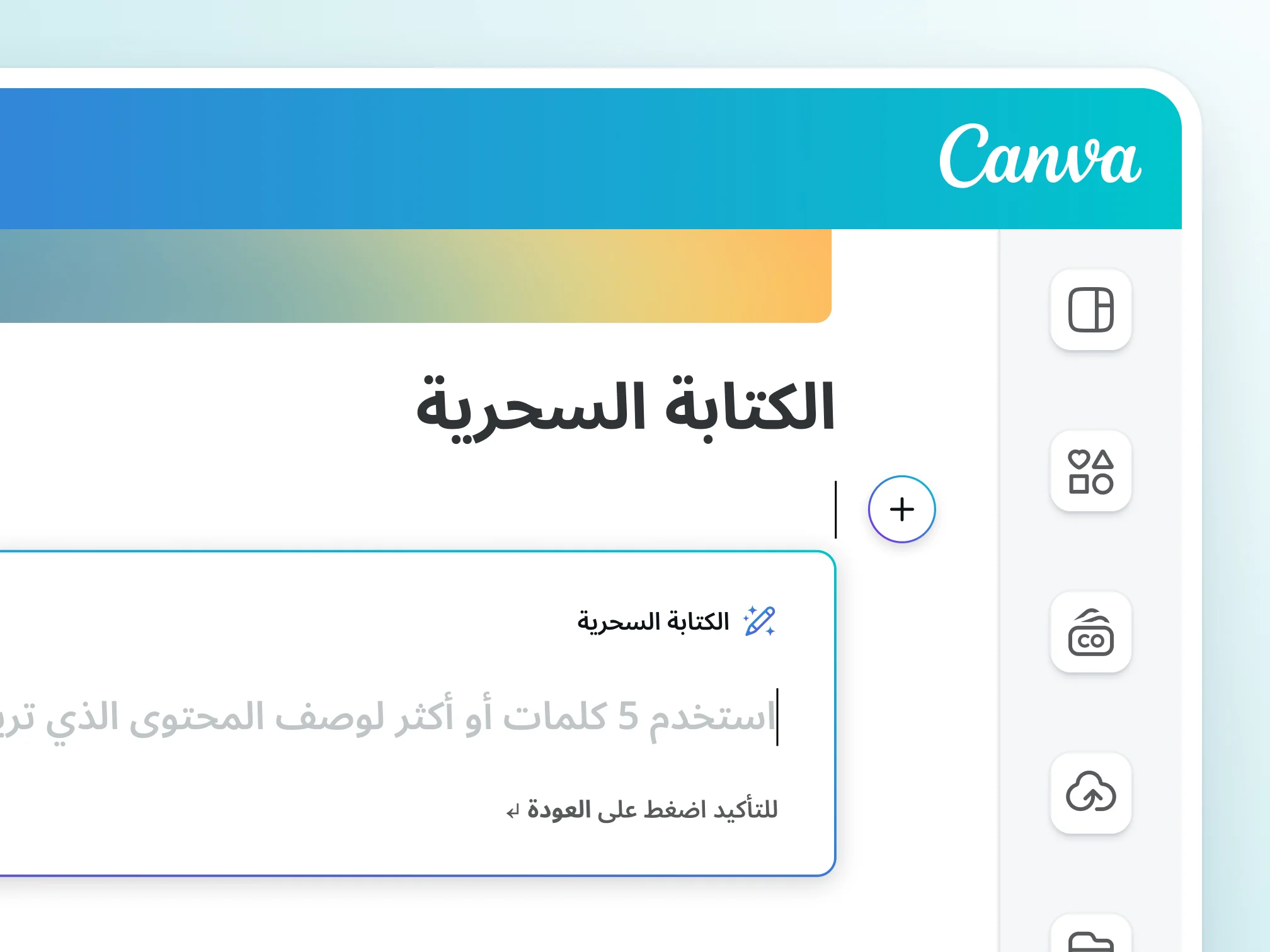
Canva Magic Write is an AI writing tool in Canva designs and docs that creates a first draft from a simple prompt, such as post captions, article outlines and lists. It works in 20 languages including Arabic, rewrites and summarizes text, and lets you edit and share drafts inside the design.
Publisher information
- Company name
- كانفا
- Company website
- canva.com/ar_eg/magic-write
- Category
- Writing Assistance
- Date added
Canva Magic Write is an AI writing tool built into Canva. Describe what you want in a text prompt and it gives a first draft ready to edit and share with your team, instead of a blank page.
Key Features of Canva Magic Write
- Short text: social captions, bios and product descriptions
- Long text: blog content, sales messages and stories
- Headlines, lists, article outlines and full paragraphs in the tone you want
- Continue writing: completes and expands text when you stop mid-sentence
- Brainstorming: new ideas and content topics
- Rewriting, rephrasing and summarizing
- The /Magic shortcut to open the tool fast
Why Canva Magic Write?
- Works in 20 languages including Arabic
- Free up to 25 uses total for Free accounts, and up to 250 requests a month for Pro, Teams and NFP
- Processes only the instructions you enter, per Canva
- Powered by OpenAI technology, with safeguards against unsafe content
- Not available to Canva for Education student accounts
Product video
If the video doesn't play, watch it on YouTube.
The product, its logo and images belong to the product owner; DalilDigital does not own them.