Writing Assistance
Discover AI writing tools from independent providers in the Writing Assistance category on Digital Dalil. Explore AI content writing solutions, paraphrasing tools and Arabic text improvement tools, and compare their features before visiting the providers' websites to find what suits your style.
Products in this category
Showing 1–5 of 5 listings
-
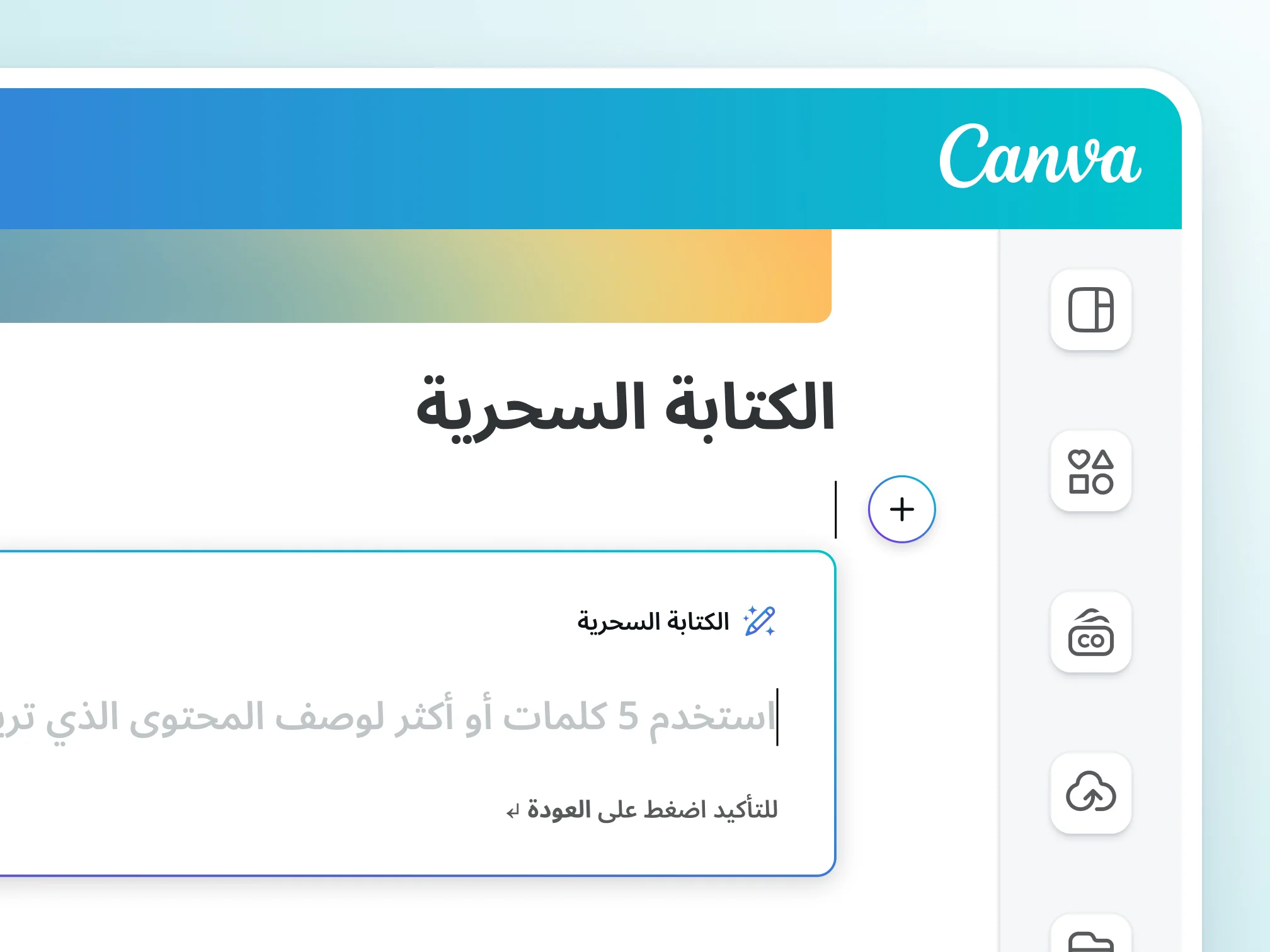
Canva Magic Write is an AI writing tool in Canva designs and docs that creates a first draft from a simple prompt, such as post captions, article outlines and lists. It works in 20 languages including Arabic, rewrites and summarizes text, and lets you edit and share drafts inside the design.
-
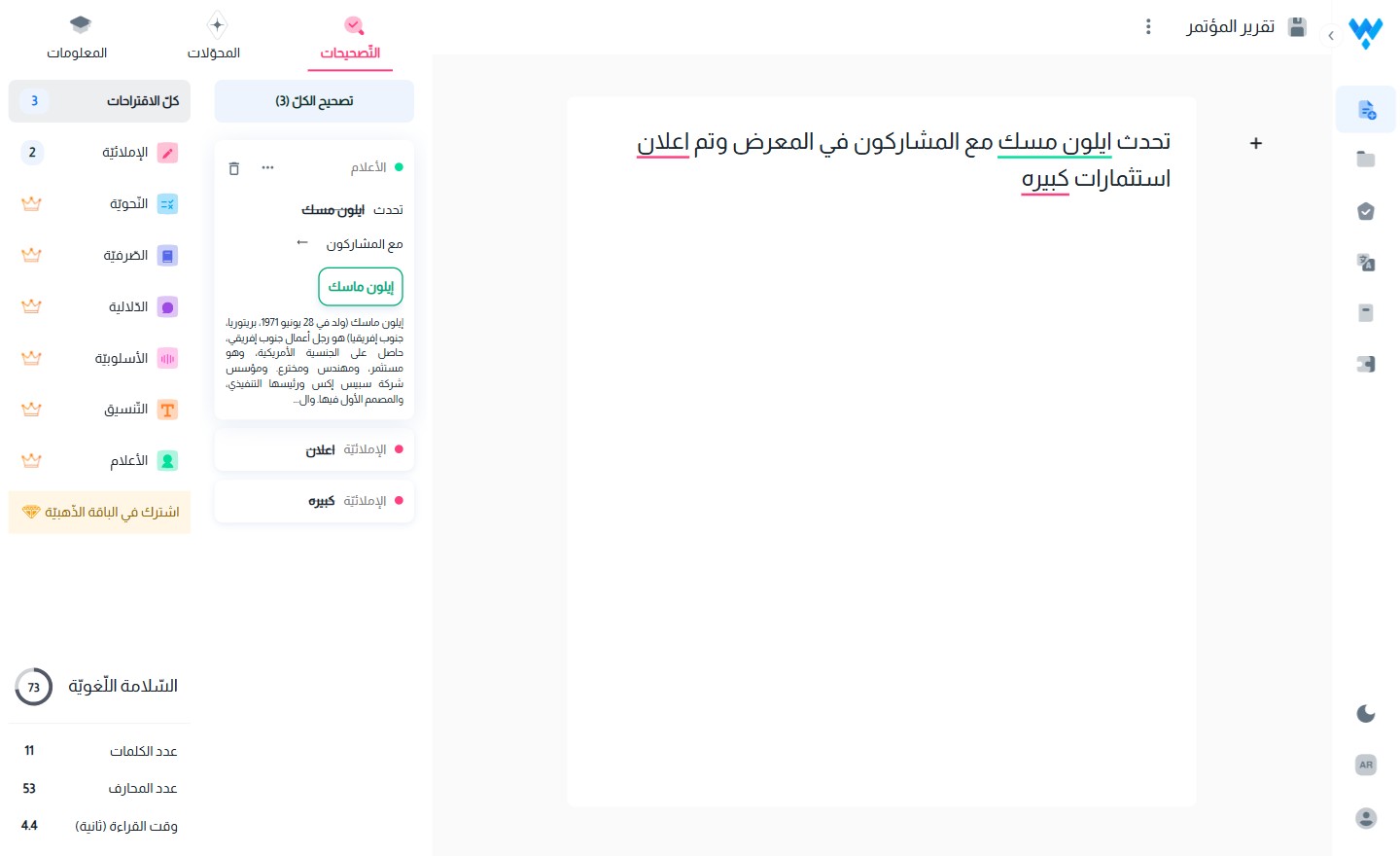
Qalam is a writing and proofreading assistant that finds errors in Arabic and English text, fixes them in one click and improves phrasing. It adds automatic diacritics, number-to-words, style tuning and templates, and works in documents, browsers and email, with on-premises install for enterprises.
-
Araby.ai brings Arabic AI tools together on one site. It offers a smart assistant that replies instantly in Arabic and writing tools for content, messages, ads and documents, plus a smart text editor and image, video and audio tools, with deep thinking, web search and file attachments.
-
HUMAIN Chat is an AI chat app built in Saudi Arabia for Arabic speakers, powered by the ALLaM 34B model. It offers multi-dialect voice input, live web search, switching between Arabic and English in the same chat and shared conversations, on web and mobile, with culturally aware replies.
-
Lisan WriteX is an enterprise writing assistant that proofreads Arabic first, then English, enforces style guides as you write, rewrites text, adds diacritics and explains the rule behind each fix. It works in the web editor, Office and browser extensions, with analytics dashboards.







Can't find the tool you're looking for?
Tell us what you need and we will look for suitable options and email you if we find them.